
Download Fonster – Font Preview, Font Browser, Font Manager, Font Utility, Font Tool
Overview
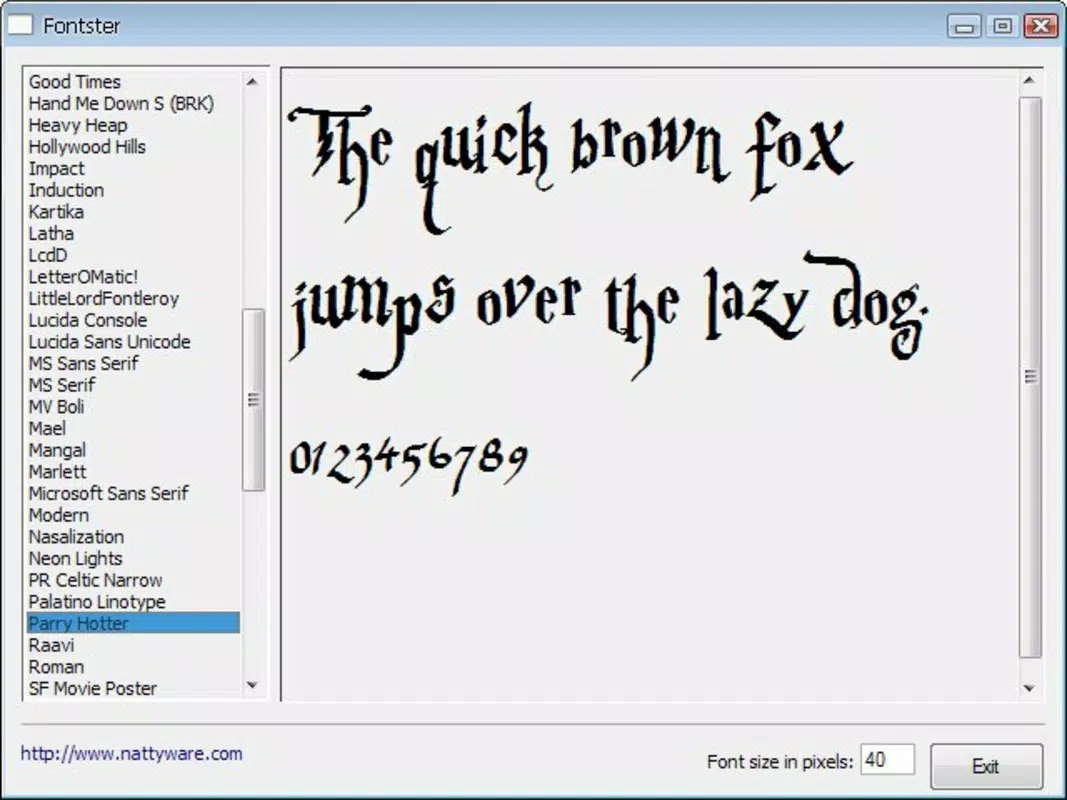
Fonster is a streamlined utility designed to simplify the process of exploring and selecting fonts on Windows systems. By providing a clean, accessible sidebar interface, the app enables users to browse all installed fonts with minimal effort. Its core purpose is to eliminate the tedious task of manually searching through font files or navigating complex system folders. Instead, users can instantly preview how any sentence appears in different typefaces, making font selection intuitive and efficient. This functionality is particularly beneficial for writers, graphic designers, and digital content creators who rely on typography to convey tone, style, and professionalism in their work.
The app targets individuals seeking a no-frills solution for font discovery and management. Whether working on a blog post, presentation, logo design, or personal document, Fonster helps users make informed typographic choices quickly. It is especially useful for those who may not be familiar with advanced design software but still want to experiment with visual aesthetics. While the developer, Fonster, has not provided additional background on their company or development history, the app’s long-standing presence since its release on August 27, 2010, suggests a stable and enduring utility in the productivity space. Its lightweight nature and free availability further support its accessibility and practicality across a wide range of users.
Key Features & Functionality
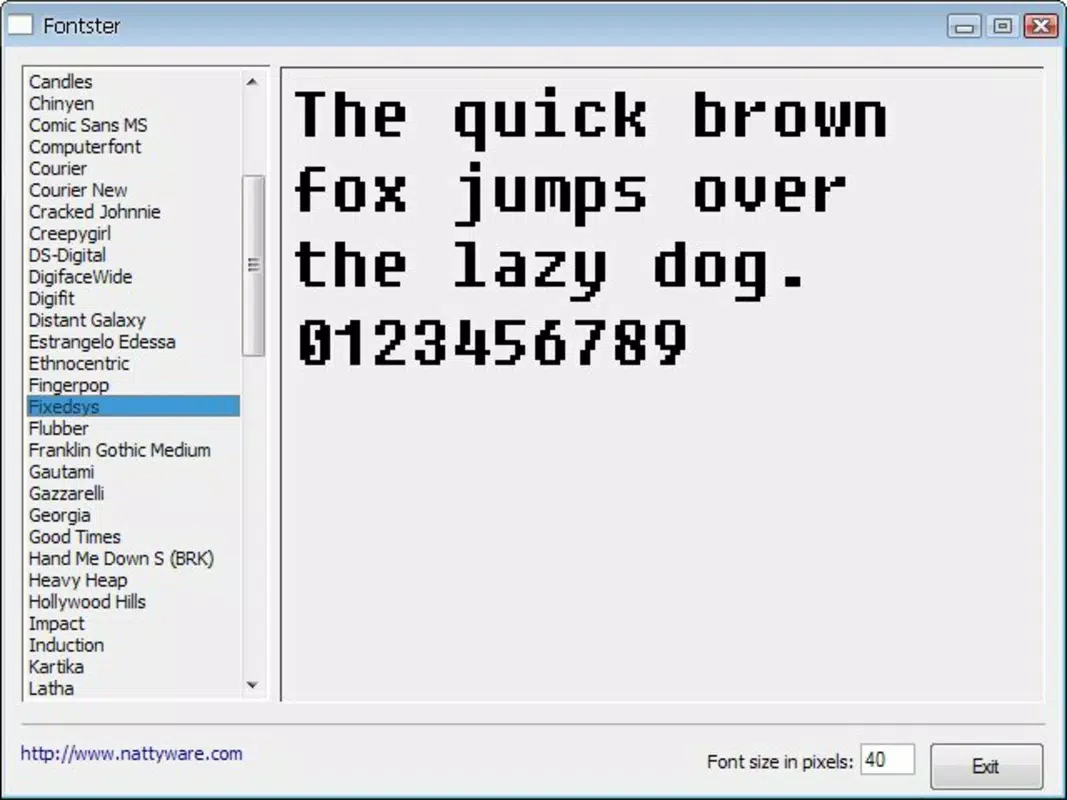
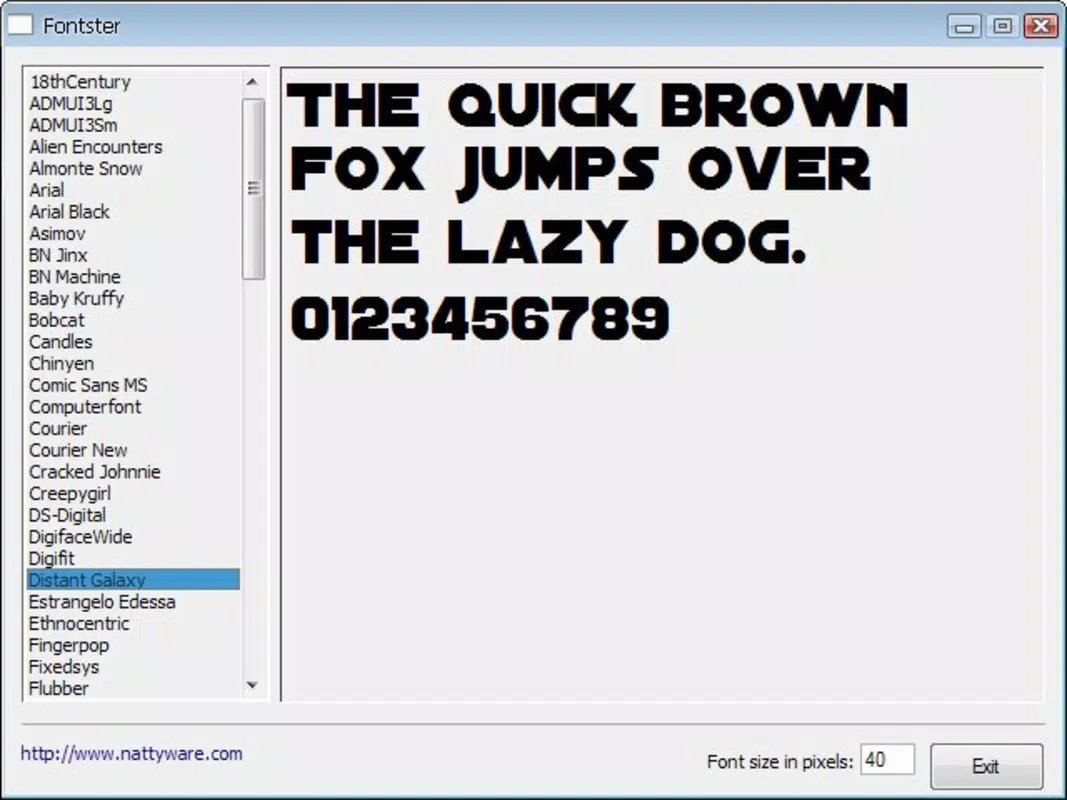
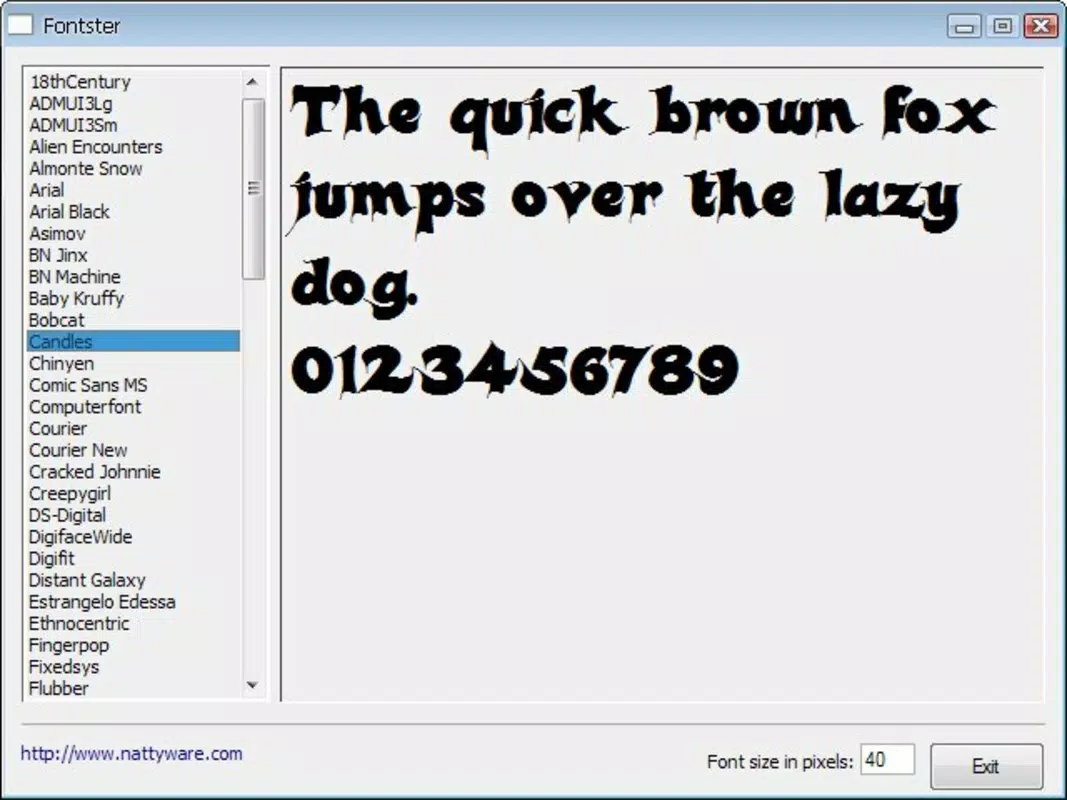
- Easy Font Preview: Instantly view how any text appears in different installed fonts. A single click on a font name displays a sample sentence, offering immediate visual feedback for better decision-making.
- User-Friendly Sidebar: All available fonts are listed in a compact sidebar, enabling quick navigation without clutter. This layout enhances usability, especially for users unfamiliar with technical file systems.
- Time-Saving Tool: Reduces the time spent searching for the ideal font by allowing rapid comparison across multiple typefaces in seconds, improving workflow efficiency.
- Versatile for Creatives: Supports diverse creative projects, from writing and publishing to branding and digital art, empowering users to experiment with typography without technical barriers.
- No Installation Hassles: The lightweight design ensures fast installation and minimal system resource usage, making it suitable for older or low-spec machines.
For example, a freelance writer preparing a manuscript can use Fonster to test how a particular font enhances readability or emotional tone. Similarly, a small business owner designing a flyer can compare multiple fonts side by side to find one that aligns with their brand identity. The app’s simplicity allows users to focus on creativity rather than technical setup.
Interface, UX & Performance
Fonster features a minimalist interface centered around a vertical sidebar that lists all installed fonts. The visual style is clean and functional, prioritizing clarity over decorative elements. Navigation is straightforward: users simply click a font name to see a live preview of sample text. This direct interaction reduces cognitive load and supports intuitive use, even for non-technical users.
Although the developer did not list formal performance metrics, the app’s 2.5 MB file size suggests efficient resource management. It is likely optimized for responsiveness across various Windows device categories, including desktops and laptops. The lack of animations or heavy graphics further contributes to smooth operation. Stability appears reliable, given the app’s long release history and consistent free availability. Users can expect minimal lag or crashes during routine use, making it a dependable tool for daily creative workflows.
Platform Compatibility & Technical Requirements
Fonster is designed for the Windows platform and operates on any system that supports the Windows operating environment. The current version is 1.0.0, with a file size of 2.5 MB, indicating a lightweight footprint. The developer did not specify minimum OS requirements, nor did they provide details about hardware or processor compatibility. As such, users should ensure their system meets general Windows compatibility standards for running desktop applications. The app does not appear to require internet connectivity for core functionality, functioning entirely offline once installed.
Pros and Cons
Pros
- Simple, intuitive interface ideal for non-technical users
- Fast font preview with real-time visual feedback
- Lightweight design with minimal system impact
- Free to download and use with no hidden costs
- Supports creative workflows across writing, design, and publishing
Cons
- Specific system requirements were not listed
- No information on update frequency or future development plans
- Only available for Windows, limiting cross-platform access
- Limited to installed fonts; no support for online or cloud-based typefaces
- No advanced customization options for preview text or layout
FAQ
Is Fonster safe to download and install?
Yes, Fonster is a free utility that has been available since 2010. It does not require internet access to function and operates locally on your system, reducing security risks. As with any software, it is recommended to download from official sources.
Can I use Fonster on my older Windows PC?
Given its small file size of 2.5 MB and minimal resource usage, Fonster is likely compatible with older Windows systems. However, the developer did not specify minimum OS requirements.
Does Fonster support fonts not installed on my system?
No, Fonster only displays and previews fonts that are already installed on your Windows device. It does not provide access to online or cloud-based font libraries.
Is Fonster available for macOS or mobile devices?
Currently, Fonster is only available for Windows. There is no information on availability for macOS, iOS, or Android platforms.
How often is Fonster updated?
The developer has not disclosed update frequency. The current version is 1.0.0, released in 2010, suggesting infrequent updates, though the app remains functional.
Final Thoughts
Fonster stands out as a focused, no-nonsense tool for anyone needing quick access to their system’s fonts. Its elegant sidebar design, instant preview feature, and minimal system demands make it a valuable asset for writers, designers, and casual users alike. While it lacks modern enhancements like cloud integration or customizable previews, its core purpose is fulfilled with precision and reliability. For those who value simplicity and efficiency in their creative tools, Fonster delivers consistent value without complexity.
Despite its age, the app remains relevant due to its lightweight nature and straightforward functionality. It is especially suited for users who prefer offline tools and do not require advanced typographic controls. In a world saturated with feature-heavy applications, Fonster proves that less can indeed be more.
Download Fonster now


